 AI
AI
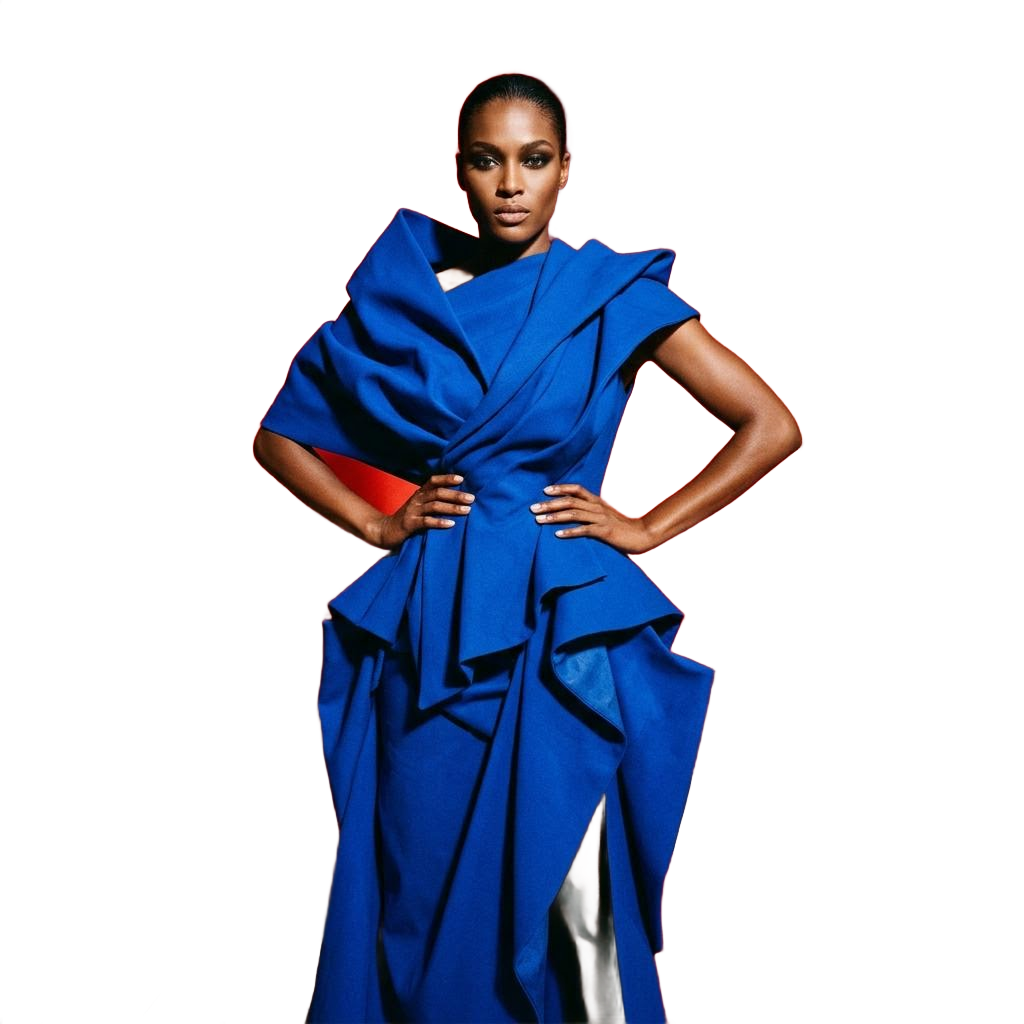
Local segmentation
The cutout preserves original subject pixels instead of generating a lookalike.
kracut separates the subject from the background using the original image. It does not invent a new face or reconstruct clothing, skin, or products through image generation.
Create and preview for free. Credits are used only when you download a result.
kracut combines instruction-based editing, graphic creation, and downloads in one workspace. Review the full result before deciding whether to keep it.
The cutout preserves original subject pixels instead of generating a lookalike.
Prepare an asset for thumbnails, catalogs, ads, and layered compositions.
Inspect edges and transparency before choosing to download.
Write what you need or add a photo you want to edit.
Preview the complete creation without using credits.
Use credits only when you choose to download the file.
It uses segmentation to retain the original subject rather than generative reconstruction.
Yes. The result is prepared as a PNG with a transparent background.
Yes. Process and preview the result before using credits to download it.
Open the creator, describe what you need, and review the result before downloading.
Create for free