 AI
AI
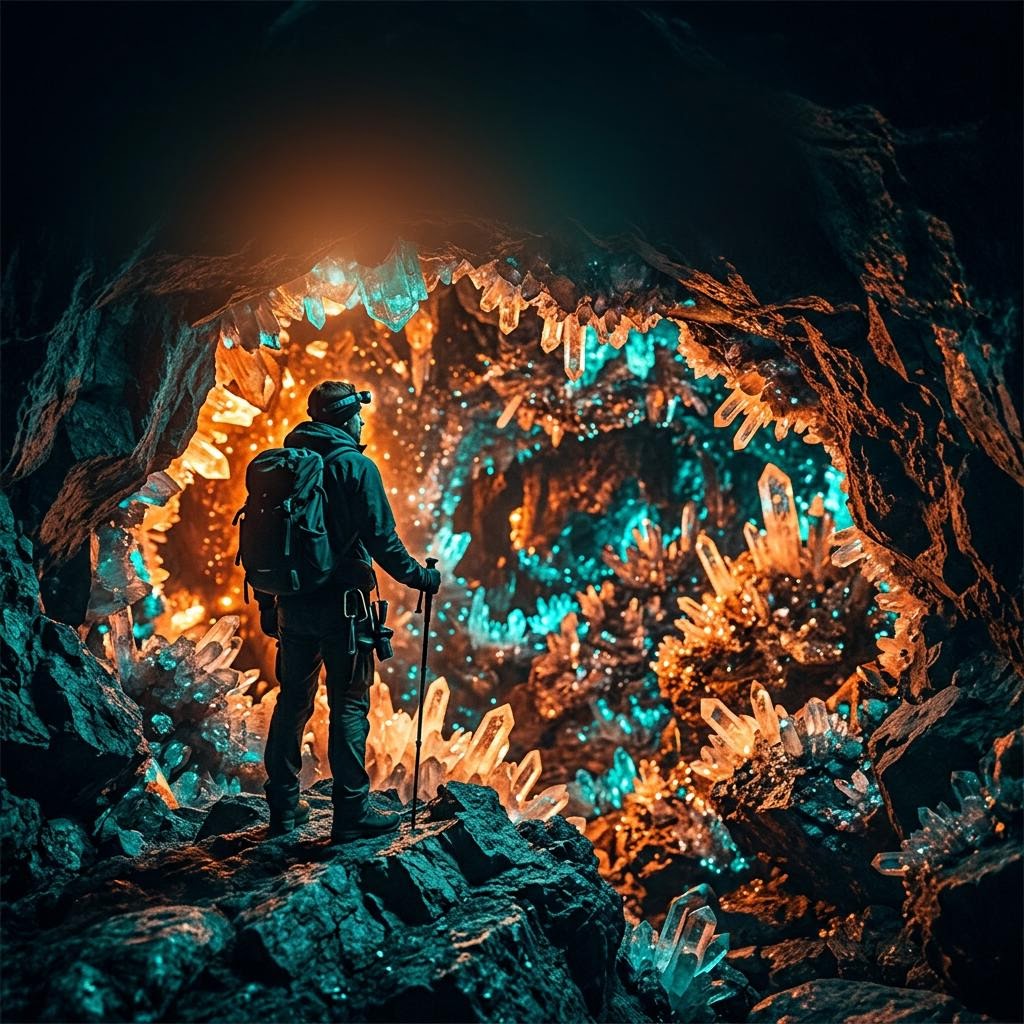
16:9 format
Create horizontal compositions suited to video thumbnails and channel covers.
Describe the topic, visual style, and emotion of your video. kracut creates a graphic direction you can review and adjust before downloading it for your channel.
Create and preview for free. Credits are used only when you download a result.
kracut combines instruction-based editing, graphic creation, and downloads in one workspace. Review the full result before deciding whether to keep it.
Create horizontal compositions suited to video thumbnails and channel covers.
Define color, hierarchy, person, product, and room for a short headline.
Use references and repeated styles to build visual recognition.
Write what you need or add a photo you want to edit.
Preview the complete creation without using credits.
Use credits only when you choose to download the file.
16:9 is the standard option for video thumbnails.
Yes. Upload an image and request an edit or use it as a visual reference.
No. kracut creates the graphic asset; you download and upload it to your channel.
Open the creator, describe what you need, and review the result before downloading.
Create for free